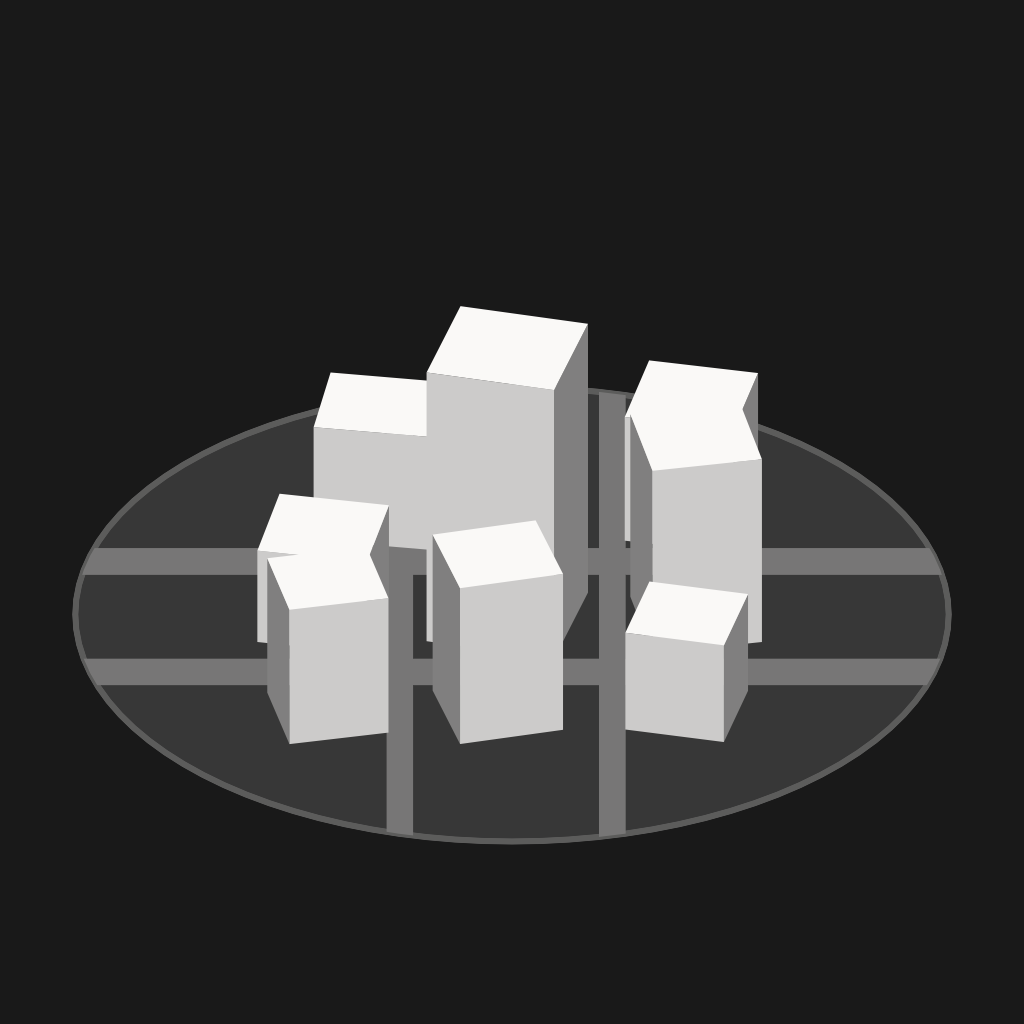
CityBlock
Block the apps that take your day, then earn your way back in
CityBlock shields the apps and sites you keep opening without deciding to, on a schedule, on a daily limit, or all the time. Getting back in costs something: a countdown, a hundred steps, ten squats, or a tap of an NFC tag you left in the other room. Every day you hold, a city grows.
A Shield You Can't Tap Past
Pick the apps, categories and sites that take your day. CityBlock shields them on a schedule, on a daily allowance, or all the time, using Apple's own Screen Time framework. The shield gives you a line worth reading instead of a progress bar, and something better to do instead.
Earn Your Way In
Getting past a block is deliberate. Wait out a countdown. Breathe. Walk a hundred steps. Do ten squats. Or scan an NFC tag you left somewhere inconvenient: the drawer, the gym bag, the other end of the house. Each unlock is timed, counted, and can be made to cost more than the last.
Turning It Off Costs Too
A block you can flick off the moment it bites is a reminder, not a block. Switching one off while it holds asks for the same challenges and spends one of the day's unlocks, and so does deleting it or editing it down. Switch a block on mid-window and it stays on until that window ends.
A City That Grows While You Aren't Looking
Every day you hold, your city gains storeys. Streets, traffic, weather and a skyline that is yours because of the hours you didn't spend scrolling. It's a widget too, so the count sits on your home screen next to the apps it's counting against.
A Dumb Phone On Your Home Screen
A widget that lists the few apps worth opening, as words. No icons, no badges, nothing to browse. Add a clock, the weather, and a row of dots for how far through the week, month or year you are. Place it more than once for a different list on each page, or open the same list full screen and let the app be the phone.
Say What It's For
Before a block lifts, CityBlock asks what you're opening it for, and shows you what you said last time. A pause mode gives you a breath before an app opens rather than a wall, for the ones that don't need blocking outright.
Blocks That Fit A Real Week
Work apps in the evening, everything else during work hours. Allow a window instead of blocking one. A morning block ends when you're actually up, not when you tap something. Take a holiday and every block steps aside until you're back.
Private by Design
No account, no tracking, no analytics. Your blocks and your history stay on your device, and Screen Time figures are rendered by Apple's own report extension, which can't hand them back to the app. Free to use, with a one-time Pro unlock for physical unlocks, holidays, strict mode and widgets.